

You may have seen our new fancy online tracker when you created an account at NaNo2.org. But did you know NaNo 2.0 also has a Google Sheets progress tracker? This is great if you prefer the more old-school approach with a spreadsheet.
The NaNo 2.0 Google Sheets progress tracker is a free Google Sheets template. Make a copy to your own Google Drive and it’s yours to fill in, tweak, and keep for as many challenges as you like.
The tracker and instructions can be found at http://nano2.org/googlesheets-tracker
A tour of the tracker
The NaNo 2.0 Progress tracker is a Google Sheets file that you can use to log your word count and/or hours spent over the 30 days of NaNoWriMo. The tracker has multiple tabs. Here are the most important ones.
Your Quest tab
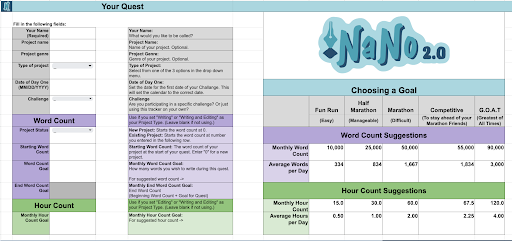
This tab is used at the beginning of the month to enter information about your project. You can name your project, pick a genre, enter your monthly goals, etc. The tracker even allows users to start at a non-zero word count. This is great for you rebels working on existing projects.
Daily Word/Hour Count tab
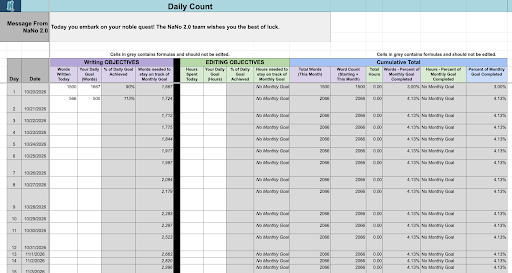
This tab is where you will fill in your daily word/hour count and set daily goals. At the top, you can find a daily message from NaNo 2.0.
Progress tab
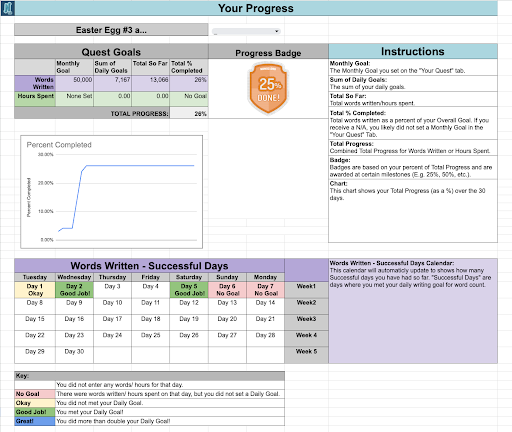
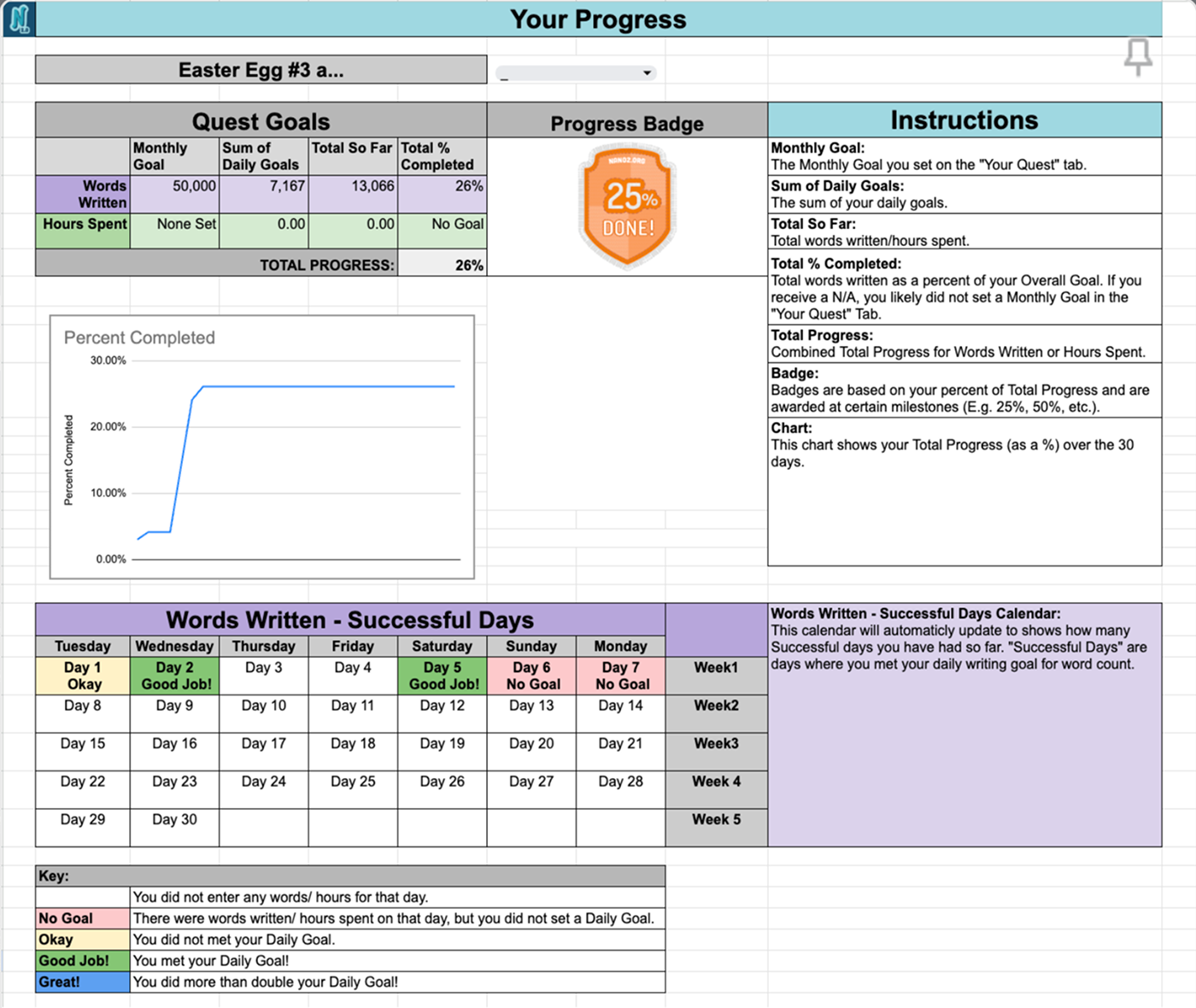
This tab shows your progress across the month. This tab has various charts and tables to break down your progress in different ways. Everything on this tab will be filled in automatically using some fancy formulas.
Badges tab
This tab shows weekly experience badges, 3 little challenges to complete each week. Maybe if you collect all the badges in a week, you will find a hidden Easter egg?
Calculator tab
This tab gives you multiple calculators to help you figure out your total word or hour count for day/session. We also include a helpful way to check off the Easter eggs that you have found. There are a total of eight hidden Easter eggs on the 2026 tracker.
Ready to try it out?
Copy the tracker to your Google Drive and start exploring.